Step 01
Preparing the plate
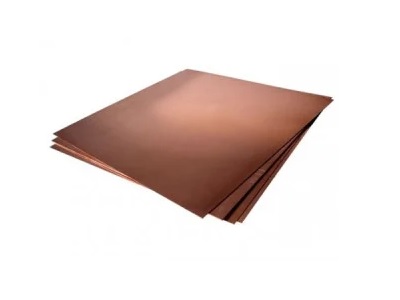
The process begins with a polished copper plate. Its surface must be perfectly smooth and free from imperfections, as any marks may appear in the final print.
From a fully darkened plate to an image rich in light and subtle tones.
Creating a mezzotinta is a painstaking process requiring patience and precision. Unlike printmaking methods that work from light to dark, mezzotint follows the opposite principle: the artist begins with a surface that prints entirely black and gradually brings out the lighter areas to create the image.
From preparing the copper plate to printing the finished impression.
The process begins with a polished copper plate. Its surface must be perfectly smooth and free from imperfections, as any marks may appear in the final print.
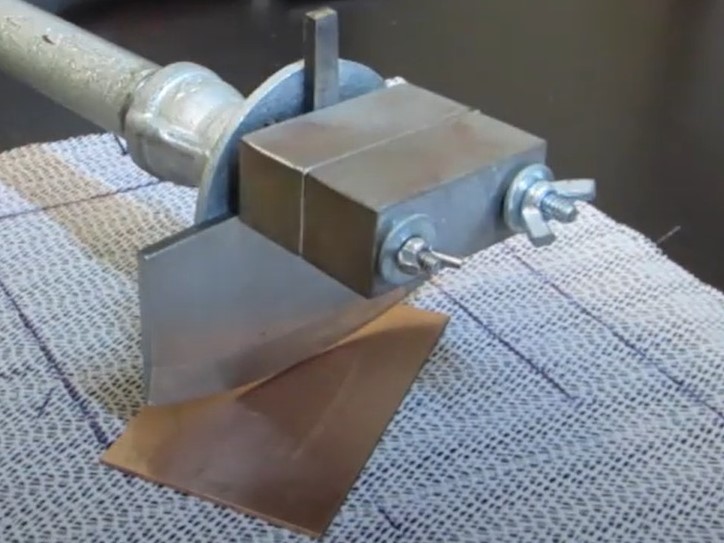
A toothed rocker is worked across the plate in several directions to create an even texture of tiny indentations and burrs. This can take several hours and may require 30 to 50 passes at different angles.
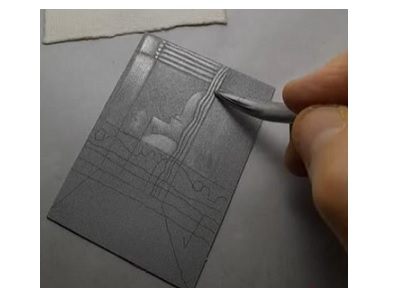
The artist works the roughened surface with scrapers and burnishers. Scrapers remove the burr to produce bright highlights, while burnishers flatten it to create different shades of grey.
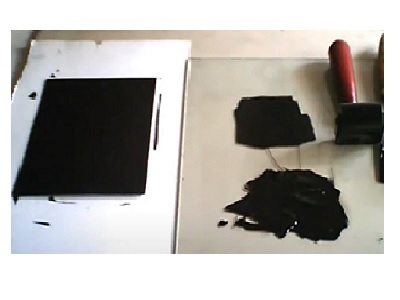
Thick printing ink is applied to the plate, ensuring that it enters the textured surface. The plate is then carefully wiped, leaving ink in the recessed and roughened areas.
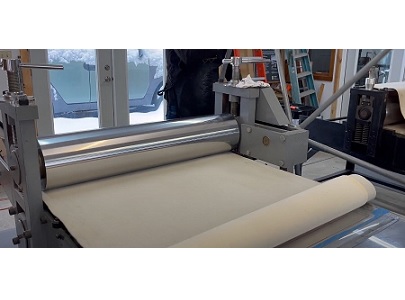
The plate is placed in an etching press with dampened paper on top. Under high pressure, the paper picks up ink from the textured surface. The plate must be inked and wiped again for each impression.

A curved, finely toothed tool used to create the initial texture on the plate.
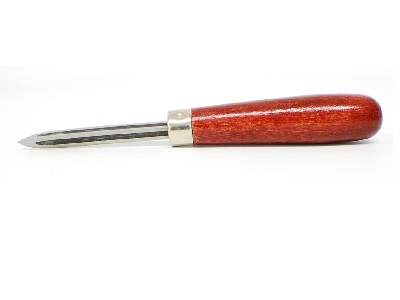
Used to remove the burr and produce bright white areas.
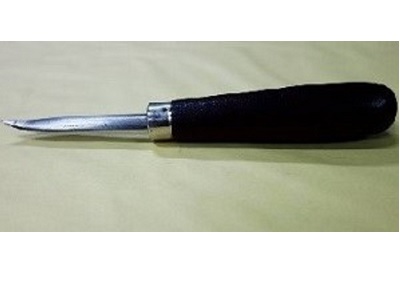
Used to flatten the burr and create different shades of grey.
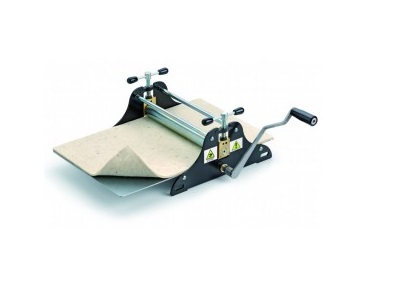
Transfers the inked image onto paper under controlled pressure.
Make trial impressions to assess your progress and adjust the plate before completing the work.
Keep your tools clean and sharp to achieve the best results at every stage.
Explore the tools used to create its characteristic tones and highlights.
Explore the tools